
On this page
What a PPC audit is
It looks at what is measured, what you pay for, how the account is organized and where the clicks land.
Most accounts we open have the same pattern: a few campaigns doing well and carrying the rest, conversion tracking that counts the wrong thing or counts it twice, and broad match traffic nobody has looked at in months.
What we check, in order
1. Measurement. Are conversions tracked, are they the right ones, and are they counted once? Check that Google Ads and Google Analytics agree within reason.
A form view counted as a lead, or a purchase tag firing twice, misleads every bid.
2. Search terms. The searches you actually paid for, not the keywords you chose. Sort by cost and look for irrelevant ones, competitor names you didn’t mean to bid on, and informational searches that never buy.
3. Structure. Campaigns grouped by intent and budget, ad groups tight enough that each ad matches its keywords, and match types used on purpose.
4. Bidding and budgets. Is the bid strategy suited to the data available? Smart bidding without enough conversions guesses. Are budgets limiting the campaigns that convert while others spend freely?
5. Ads and extensions. Several ads per group, headlines that repeat the search, assets (sitelinks, callouts, calls) filled in.
6. Landing pages. Each final URL should load directly, quickly, on a phone, and say what the ad says. A final URL that redirects adds a wait to every click; one that’s broken wastes every click.
Before and after: a broken final URL
Example for illustration; not a client's data.
How to check it yourself
Three checks find most of the waste.
- Compare conversions with real results.
First, in Google Ads, compare your conversion count for last month with the leads or sales you actually received.
- Count the searches you'd never want.
Second, open the search terms report sorted by cost and count how many of the top fifty you'd never want.
- Click every final URL.
Third, click through every ad's final URL on a phone.
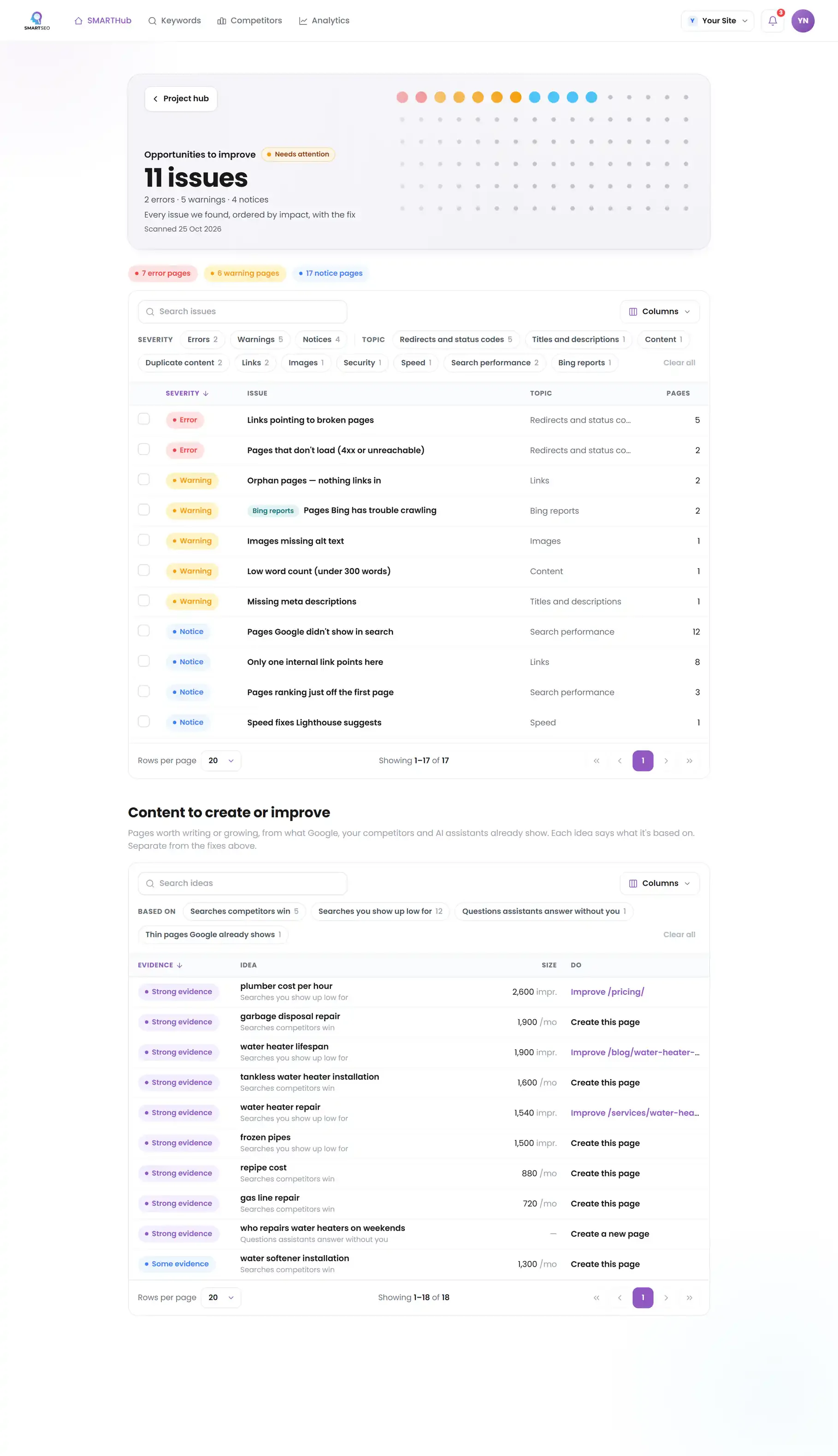
SMARTSEO doesn’t read your ad account. It reads the site your ads land on: pages that don’t load, addresses that redirect, and pages kept out of search, each flagged so you can confirm it’s intended.
The problems we find most often
Each of these is a check SMARTSEO runs on every scan, in the words the app uses. Open one to see what triggers it and how to fix it.
ErrorPages that don't load (4xx or unreachable)
- What triggers it
- A page we tried to read answered 4xx, or didn’t load at all.
- Why it matters
- Broken links waste crawl budget and damage the user Experience Google now measures closely.
- How to fix it
- Update the link to the live URL, or 301-redirect the old address to its replacement.
NoticePages that redirect
- What triggers it
- An address we were sent to redirected somewhere else.
- Why it matters
- These addresses send visitors and Google on to another address. That works, but every link and sitemap entry pointing at the old address costs an extra hop.
- How to fix it
- Link to the final address directly, and list it in your sitemap instead of the old one.
NoticePages that ask Google not to list them
- What triggers it
- A page asks search engines to leave it out, and it isn’t your homepage, in your sitemap or in your navigation.
- Why it matters
- These pages ask Google not to list them, and nothing on your site asks for them to be found: they are not in your sitemap, not the homepage and not in your navigation. That is usually on purpose, so it costs nothing.
- How to fix it
- Check that each one is meant to stay out of search. If one should be found, remove its noindex and add it to your sitemap.
WarningMissing mobile viewport tag
- What triggers it
- A page has no mobile viewport meta tag.
- Why it matters
- Most searches happen on phones; without a viewport tag the page renders as a shrunken desktop layout, hurting the mobile Experience.
- How to fix it
- Add <meta name="viewport" content="width=device-width, initial-scale=1"> to the head of every page.
Questions people ask
How often should a PPC account be audited?
A full audit when you take over an account or every six months, and a search terms review every week or two. Accounts drift: new broad match traffic, paused ads that were the good ones, budgets moved without a reason recorded.
What is the most common problem in a PPC audit?
Broken or missing conversion tracking. Without it, automated bidding aims at clicks or at the wrong action, and every other optimization rests on a guess.
Should landing pages for ads be noindexed?
Pages built only for ads are often kept out of search on purpose, so they don't compete with your organic pages. That is fine, as long as it's deliberate. A noindex on a page you also want ranking is a mistake.
Can an audit cut my costs without losing leads?
Usually. Most accounts pay for searches that never convert, run ads at hours or places that don't sell, or send traffic to slow, generic pages. Fixing those cuts cost without touching the clicks that bring customers.
What we do for you
- A full account audit with the waste named in your own numbers
- Conversion tracking checked end to end and fixed
- Restructured campaigns and negative keyword lists
- Landing page fixes ordered by the spend they affect