
On this page
What ecommerce PPC is
On Google that means mostly Shopping ads, the product listings with an image and price, and Performance Max campaigns that place your products across Search, Shopping, YouTube, Display and Gmail. Microsoft Advertising runs the same for Bing.
What sets it apart from ordinary search ads is the product feed. Your products, prices, availability and images go to Google Merchant Center, and the ads are built from them.
A good feed is the single biggest lever in a shopping account.
What drives results
Example for illustration; not a client's data.
Structure by margin. Group products by how much they earn, so high-margin products can bid harder. One campaign for the whole catalog treats a $5 margin like a $50 one.
Revenue tracking. Purchases with their real value passed to Google Ads, so bidding aims at revenue rather than clicks. Without it, a smart bidding strategy is optimizing toward a guess.
How to check it yourself
- Fix disapproved products.
Open Merchant Center's Diagnostics and fix every disapproved product first, then the warnings.
- Compare revenue with your sales.
In Google Ads, compare the revenue the account reports with your store's own sales for the same month; a large gap means tracking needs work.
- Click a sample of ads.
Then click a sample of ads and check that each lands directly on the right product, in stock, at the advertised price.
SMARTSEO checks your product pages’ structured data, broken pages and redirects on every scan. It doesn’t read your ad or Merchant Center accounts.
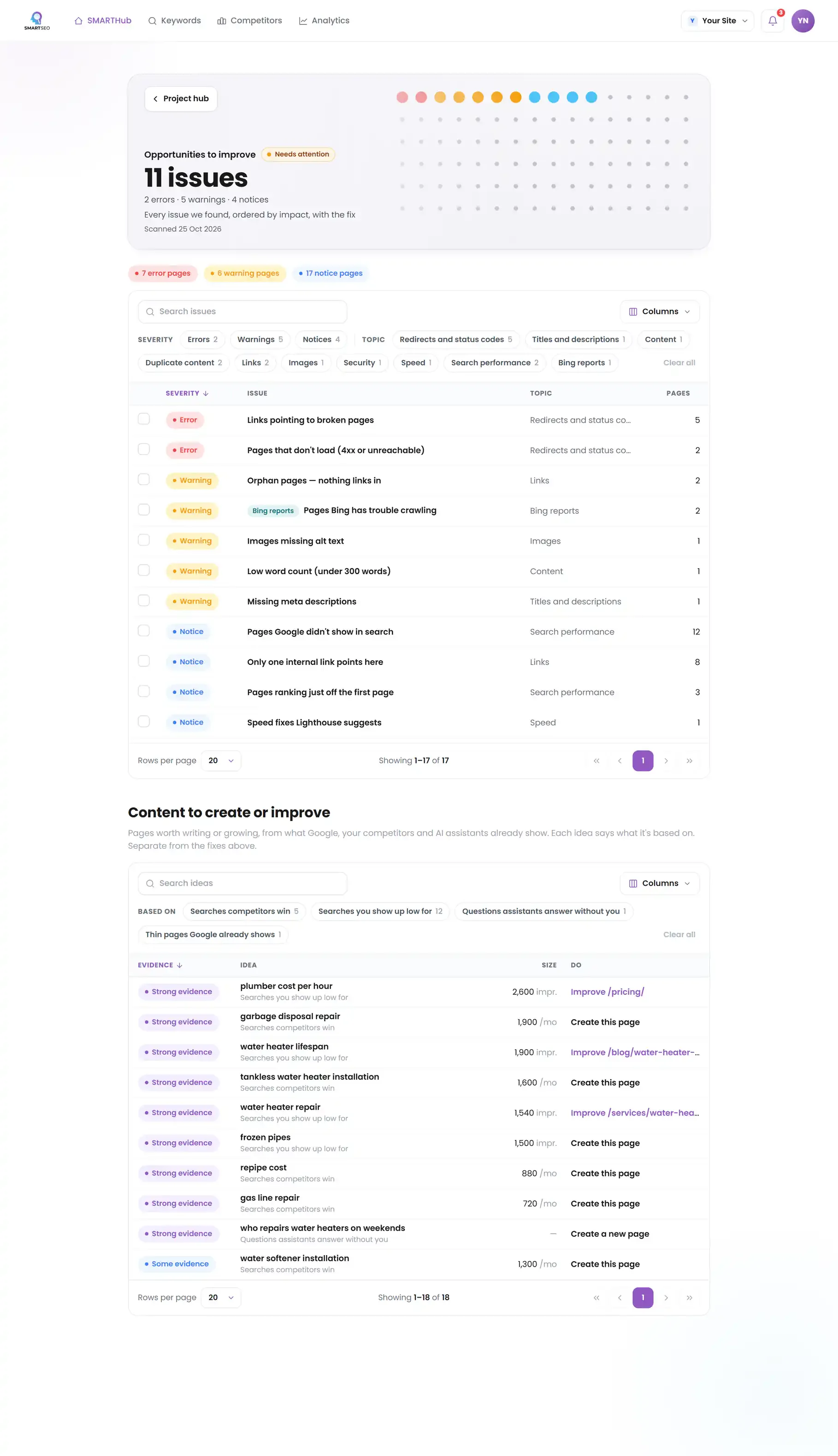
The problems we find most often
Each of these is a check SMARTSEO runs on every scan, in the words the app uses. Open one to see what triggers it and how to fix it.
NoticeMissing schema markup
- What triggers it
- A page carries no structured data at all.
- Why it matters
- Structured data helps Google verify Authoritativeness and can earn rich results.
- How to fix it
- Add Organization and Breadcrumb schema site-wide, plus Article or FAQ schema on the relevant templates.
ErrorStructured data that can't be read
- What triggers it
- A JSON-LD block on the page won’t parse.
- Why it matters
- A JSON-LD block on this page isn't valid JSON, so search engines skip the whole block.
- How to fix it
- Fix the JSON syntax, then run the page through Google's Rich Results Test.
ErrorPages that don't load (4xx or unreachable)
- What triggers it
- A page we tried to read answered 4xx, or didn’t load at all.
- Why it matters
- Broken links waste crawl budget and damage the user Experience Google now measures closely.
- How to fix it
- Update the link to the live URL, or 301-redirect the old address to its replacement.
NoticeTemporary (302/307) redirects
- What triggers it
- A redirect uses 302 or 307, which tells Google the move is temporary.
- Why it matters
- A temporary redirect tells Google the old address will be back, so it may keep showing the old one in search. Fine if that is what you mean.
- How to fix it
- Use a permanent (301 or 308) redirect for pages that have moved for good.
Questions people ask
What is the difference between Shopping ads and search ads?
Search ads are text you write and keywords you choose. Shopping ads are built from your product feed, with an image, title and price, and Google decides which searches they match from the feed's content. That makes the feed your targeting.
Should I use Performance Max for my store?
It can work well once conversion tracking reports real revenue, because it optimizes across Google's channels toward that value. Keep a close eye on what it spends on brand searches and remarketing, which it may take credit for.
What is a good ROAS?
The one that leaves you a profit after product cost, shipping and fees. Work out your break-even ROAS from your margins, then set targets above it, by product group if margins differ.
Why are my products disapproved in Merchant Center?
Usually a mismatch between the feed and the page, such as a different price or stock status, a missing identifier, an image that breaks the rules, or a landing page that doesn't load. The Diagnostics page names each one.
What we do for you
- Merchant Center and product feed setup and cleanup
- Shopping and Performance Max campaigns structured by margin
- Revenue tracking passed to Google Ads, checked end to end
- Product landing page fixes that lift conversion and feed quality